
Caseware Data Store
Centralised user, security, and engagement file administration for Working Papers
Create and maintain a shared data store across multiple machines with flexible customisation and centralised control.
Features that support firm-wide administration
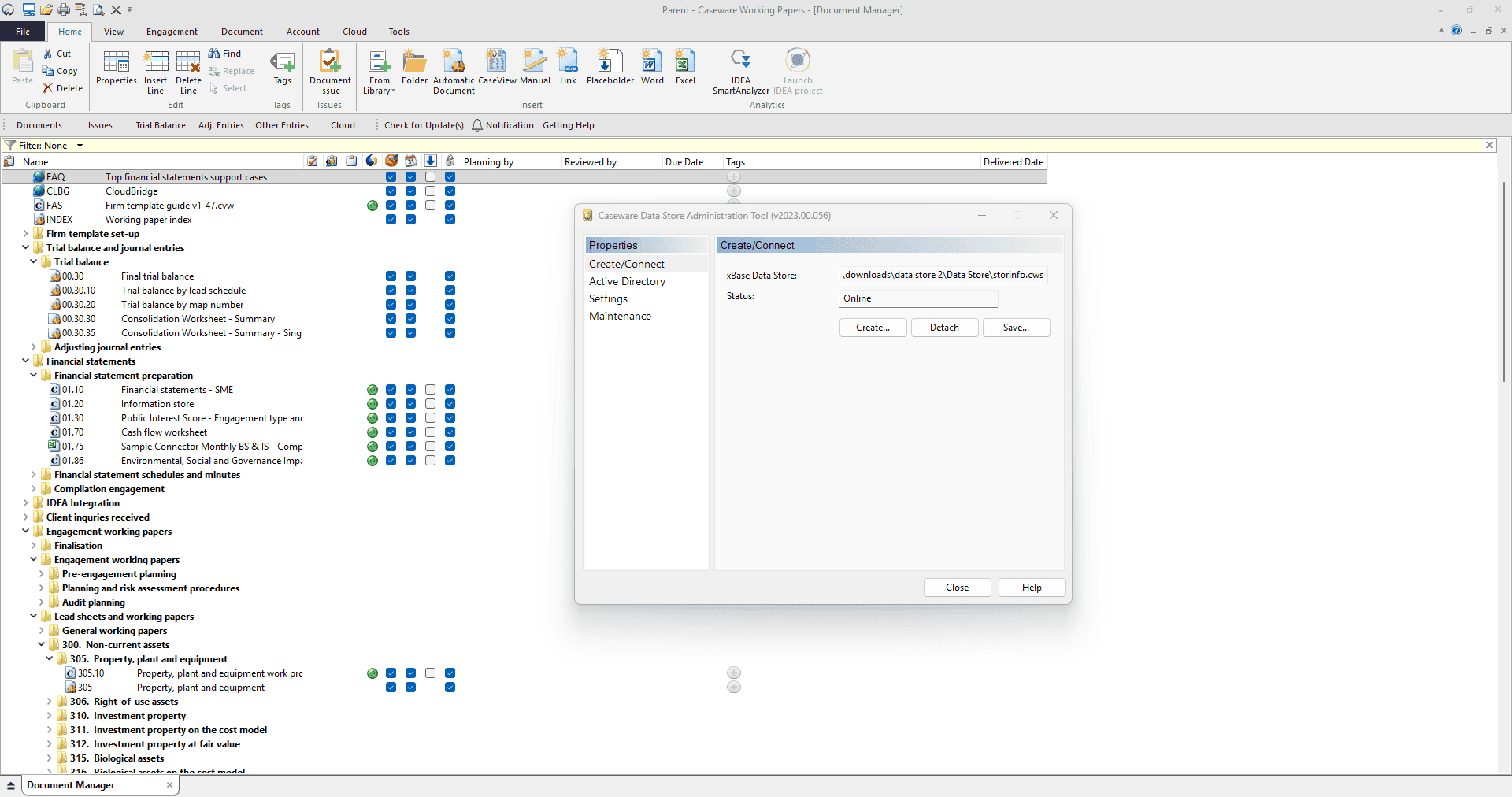
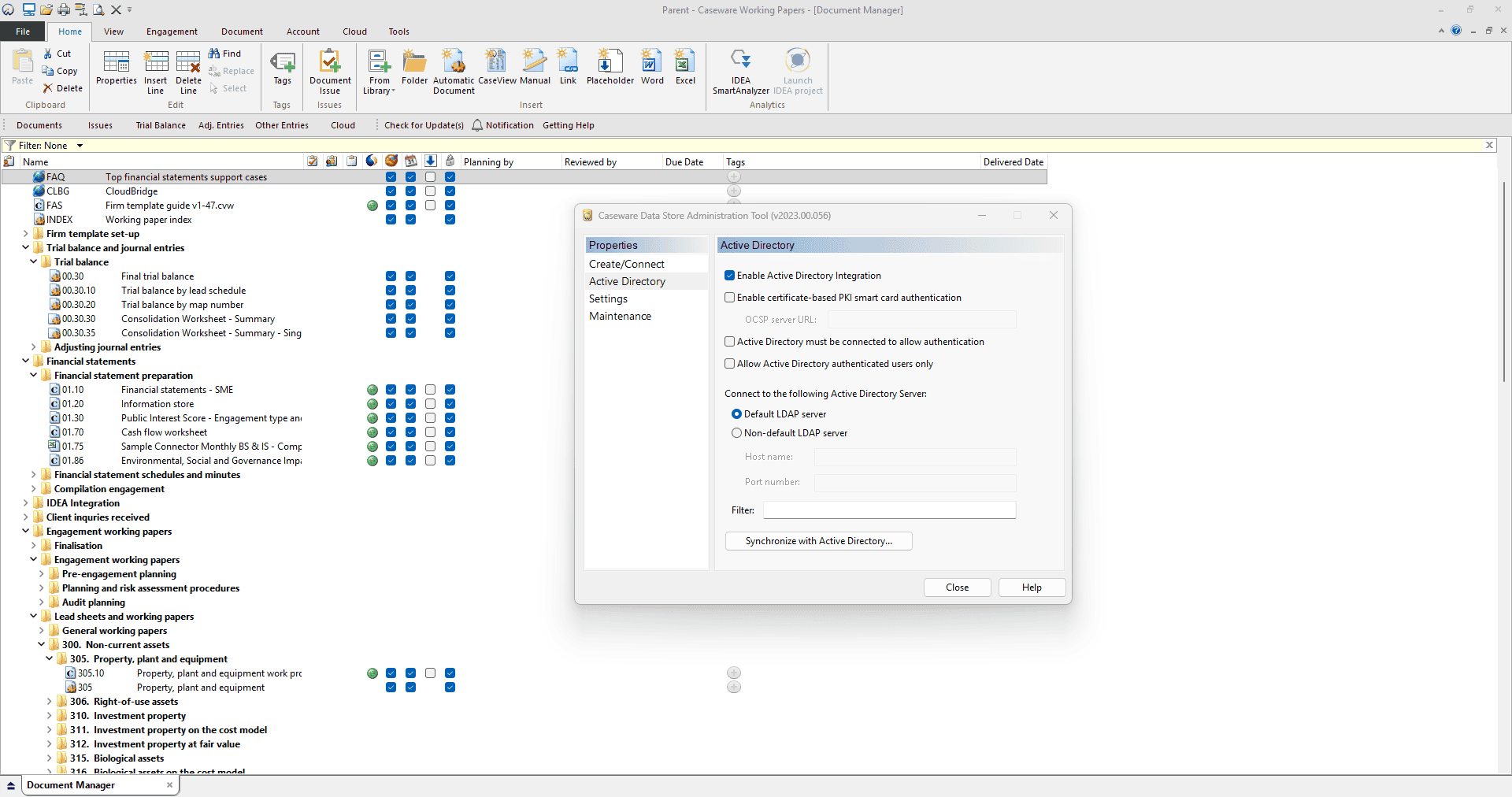
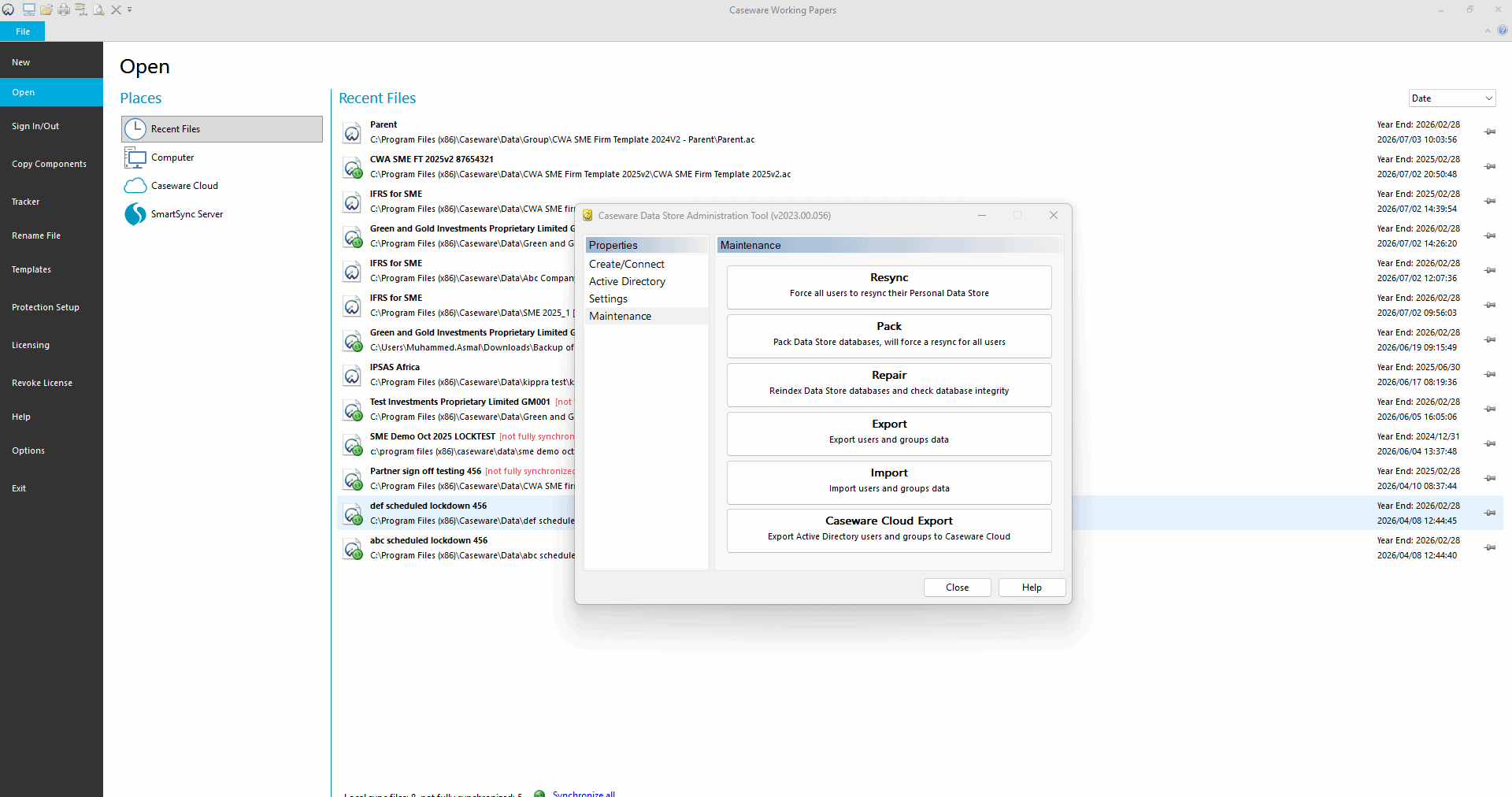
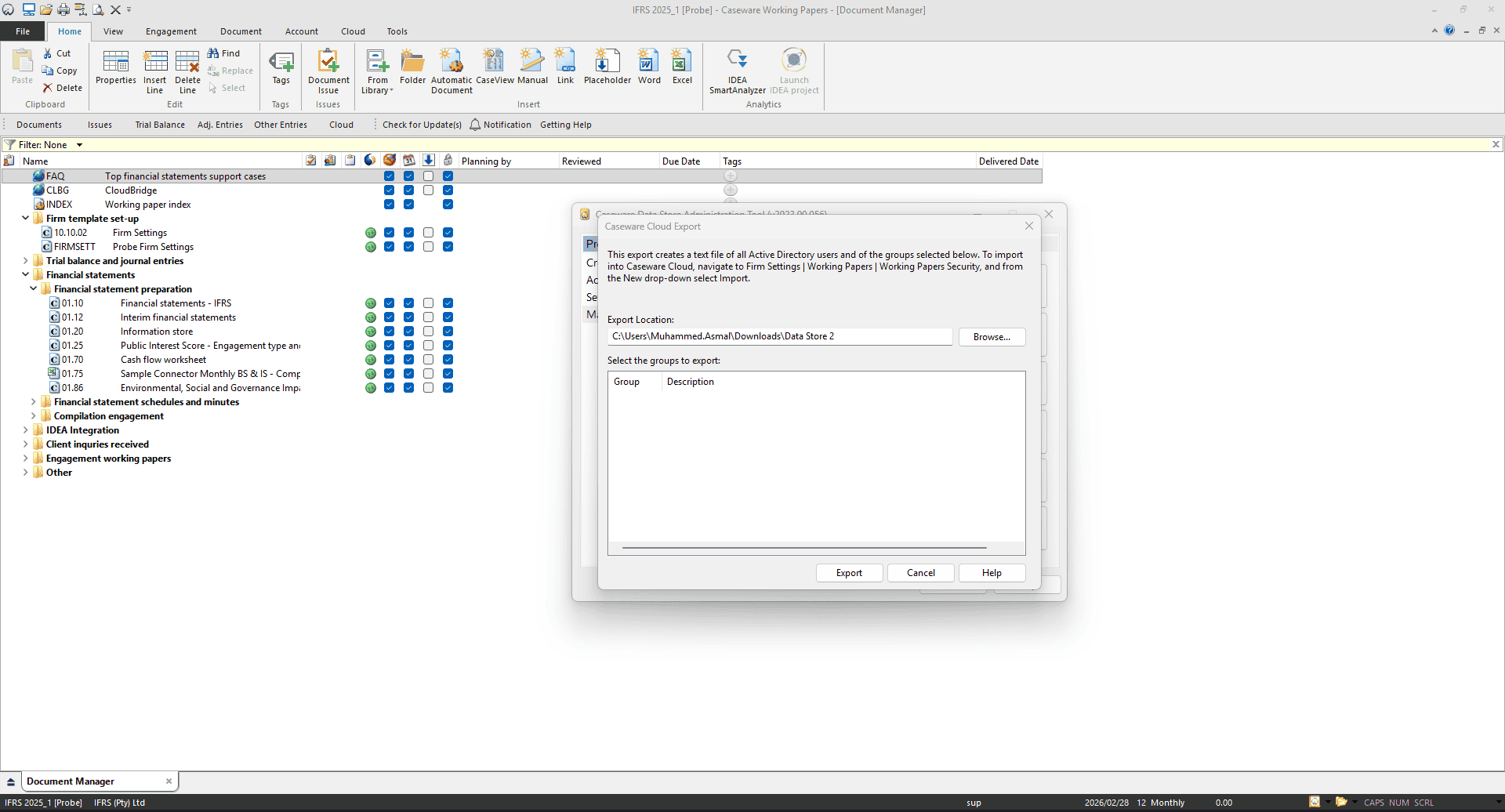
Centralised data store for multi-machine access
Replace isolated personal data stores with a shared firm data store accessible across multiple machines.
Active directory integration support
Integrate with Active Directory to align user administration with enterprise identity management and reduce duplicate admin overhead.
Configurable settings for governance and performance
Apply recommended settings for synchronisation behaviour and engagement tracking to balance governance needs with network/performance considerations
Built for Admin Control and Ongoing Maintenance
DSAT is designed for administrators to manage, customise, and maintain the data store as an operational platform component of Working Papers.
A controlled foundation for firm-wide administration
Caseware Data Store gives firms a controlled, scalable foundation for Working Papers administration. By centralising users, file lists, and key settings, it supports consistent governance, simpler administration, and less operational friction as teams grow.
Why Firms Use Caseware Data Store
Reduced risk of data errors
Consolidating user and engagement data in Excel exposes firms to formula errors and broken links. Caseware Data Store replaces that with a purpose-built, verified database.
Automated NCI calculations
Non-Controlling Interests are calculated automatically based on the ownership percentages defined in your group tree, removing the manual effort of splitting profits and reserves across stakeholders.
Clear audit and compliance trails
When regulators or inspectors query a consolidated figure, administrators can produce a clear, automated report showing exactly how subsidiary balances were aggregated and eliminated - providing traceability from source to consolidated output.
Scales as your firm grows
Whether user numbers increase or engagement volumes expand, Caseware Data Store scales with your practice without requiring structural changes or rebuilding your administration setup.
How To Set Caseware Data Store Up
Setup follows a clear process that supports structured rollout and ongoing administration.
Install
Install DSAT for the administrator using the server or workstation approach that fits your environment.
Create
Create a new Caseware data store using xBase or SQL, based on firm size and infrastructure.
Configure
Configure settings such as synchronisation, security, engagement tracking, and Active Directory integration where needed.
Generate
Generate connection files and connect users to the shared data store.
Maintain
Maintain and update the data store as the firm scales across users, governance, and connectivity needs.
How To Set Caseware Data Store Up
Setup follows a clear process that supports structured rollout and ongoing administration.
Install DSAT for the administrator using the server or workstation approach that fits your environment.
Create a new Caseware data store using xBase or SQL, based on firm size and infrastructure.
Configure settings such as synchronisation, security, engagement tracking, and Active Directory integration where needed.
Generate connection files and connect users to the shared data store.
Maintain and update the data store as the firm scales across users, governance, and connectivity needs.
Caseware Data Store Runs On
Standardise Working Papers administration across your firm
Implement Caseware Data Store with DSAT to centralise user and engagement governance, support consistent Working Papers administration, and reduce support overhead across your firm.