
Caseware SmartSync™
Keep audit teams in Sync
Built for distributed audit teams
Caseware SmartSync lets audit teams work on the same engagement simultaneously, from different locations. Changes sync as you go, reducing version conflicts and keeping work moving without delays or file handovers.
Built-in features to keep audit teams aligned
Multi-user editing
Multiple auditors can work in the same engagement file simultaneously. Whether adjusting a journal or drafting a lead sheet, changes update across the team as they happen between contributors.
Optimised data transmission
SmartSync™ only transmits the specific packets of data that have changed, not the full file. This keeps syncing fast, even when working on low-bandwidth or remote connections.
Conflict resolution engine
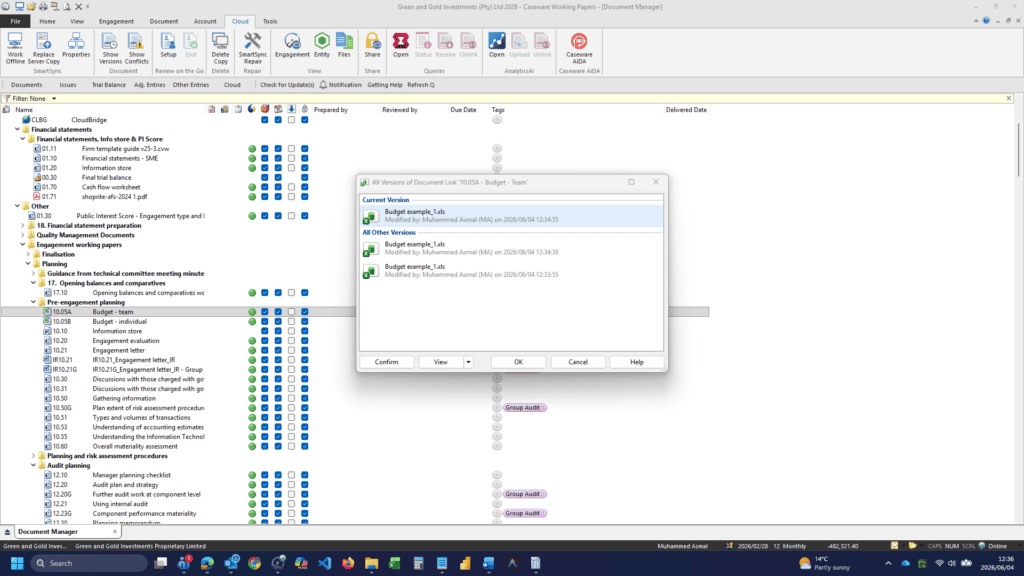
If two users attempt to modify the same cell or document property at the same time, SmartSync flags the conflict and prompts for resolution to maintain data integrity.
Offline work capability
Take your work anywhere. If you lose internet access at a client site, you can continue auditing offline. SmartSync will automatically merge and sync your changes when you reconnect.
Work on the same file, from anywhere
Supporting hybrid teams globally, our solution optimises performance for African connectivity realities. Advanced syncing and enterprise-grade encryption help protect file structures, while incremental backups facilitate data integrity and help mitigate the risk of loss.
Benefits to support flexible work
Elimination of version chaos
Say goodbye to “Version 1,” “Version 2,” and “Final_Final” files. SmartSync keeps one master version of the audit. Changes merge in the background, so teams avoid duplicate versions and manual consolidation.
Increased billable efficiency
Team members can work in parallel. No waiting for file access, by enabling parallel processing of audit tasks, firms can reduce total engagement hours.
Real-Time management oversight
Managers and Partners can open the parent file at any time to view live progress. This visibility supports review-as-you-go workflows, helping teams catch issues earlier and avoid deadline pressure.
Seamless hybrid work
Work across office, client site, or home without switching processes. SmartSync keeps engagement files up to date as teams move between environments.
How Caseware SmartSync works
Simplify your setup process with these five easy steps.
Publish to cloud or server
Start with your local Working Papers file. Click on the Cloud or SmartSync menu and select Publish. This creates the parent copy on your firm’s central hub.
Create a local sync copy
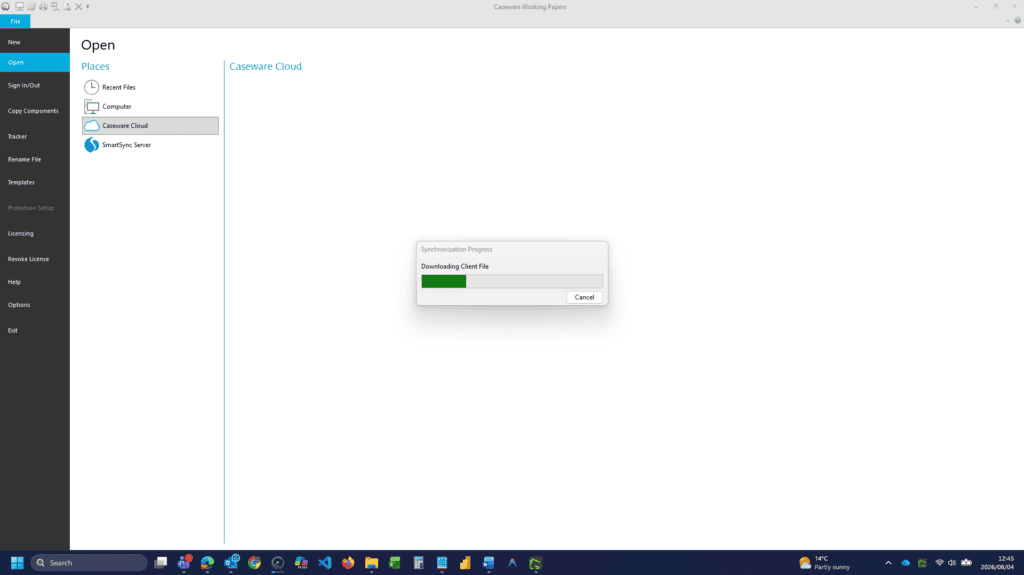
Team members do not open the parent file directly. They click “Cloud > New Sync Copy” to download a functional local version to their computer.
Perform Audit Procedures
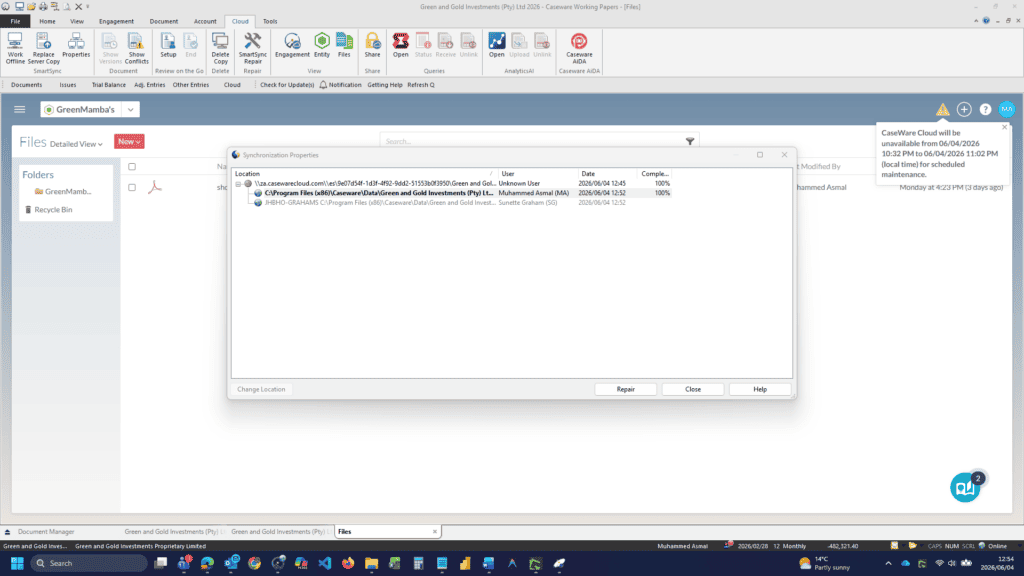
Work as usual. Each time you save a document or post a journal, look for the green sync icon in the bottom right corner. This shows your changes are being broadcast.
Monitor team progress
You will see a list of other active users in the file. Their changes appear on your screen in real time, often highlighted in bold or blue, as they work.
Finalise and clear synchronised copies
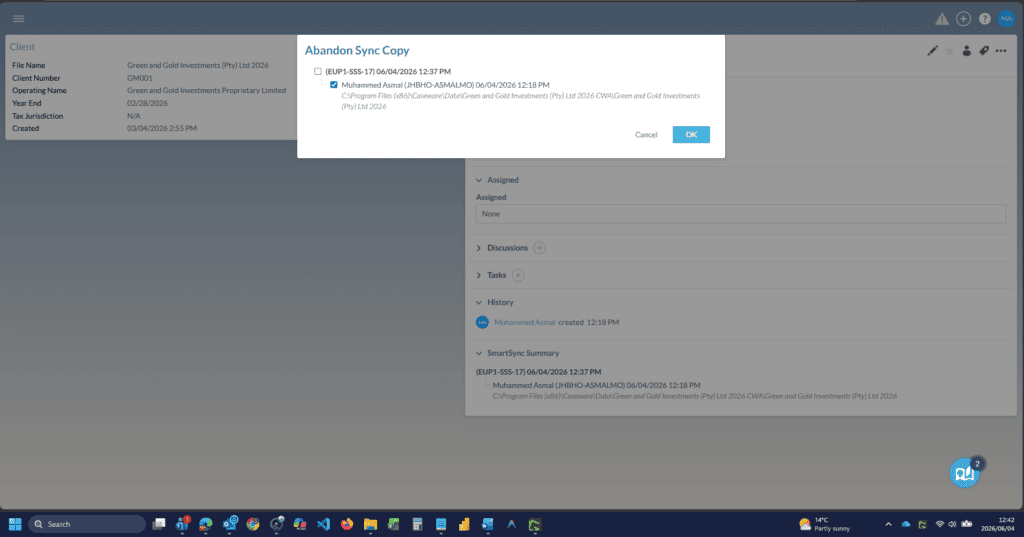
Once the audit is complete and all work is merged, users select “Delete Local Copy”. This leaves the final updated version in the central parent location, ready for archiving.
Keep your audit team in sync
Caseware SmartSync supports secure, real-time audit collaboration for firms that need control, visibility, and flexibility across distributed teams. If you want to improve accounting software synchronisation and help your team work together without file delays, contact us.